Next.js 再履修
一年以上Nuxt3を触っていてブランク空きすぎなので
Next.jsの公式で再履修します。そんなに大きくは変わってないと思うけど…
まずは何も考えずLearn通りに進めます
はじめに
新規プロジェクト作成
pnpmのinstall
npm install -g pnpm
プロジェクト作成
npx create-next-app@latest nextjs-dashboard --example "https://github.com/vercel/next-learn/tree/main/dashboard/starter-example" --use-pnpm
用意されたものなので一旦内容を確認
- Tailwind
"@tailwindcss/forms": "^0.5.10", - next-auth
"tailwindcss": "3.4.17", - postgres
"postgres": "^3.4.5",
フルスタック前提の学習なのでPostgresが入ってる
開発環境の起動は
pnpm dev
Linterがない。むり。
pnpm add eslint --save-dev
✔ How would you like to use ESLint? · problems
✔ What type of modules does your project use? · esm
✔ Which framework does your project use? · react
✔ Does your project use TypeScript? · typescript
✔ Where does your code run? · browser
The config that you've selected requires the following dependencies:
CSS
グローバルCSS
layout.tsx にグローバルCSSを適用する
import '@/app/ui/global.css';
Tailwind
割愛
CSSモジュール
home.module.css
.shape {
  height: 0;
  width: 0;
  border-bottom: 30px solid black;
  border-left: 20px solid transparent;
  border-right: 20px solid transparent;
}
page.tsx
import styles from "@/app/ui/home.module.css";

export default function Page() {
  return (
    <main className="flex min-h-screen flex-col p-6">
      <div className={styles.shape} />
clsx
割愛
フォントと画像
フォントの最適化 next/font
/app/ui/fonts.ts
import { Inter } from 'next/font/google';

export const inter = Inter({ subsets: ['latin'] });
/app/layout.tsx
import '@/app/ui/global.css';
import { inter } from '@/app/ui/fonts';

export default function RootLayout({
  children,
}: {
  children: React.ReactNode;
}) {
  return (
    <html lang="en">
      <body className={`${inter.className} antialiased`}>{children}</body>
    </html>
  );
}
画像の最適化 next/image
import Image from 'next/image';

      <Image
        src="/hero-desktop.png"
        width={1000}
        height={760}
        className="hidden md:block"
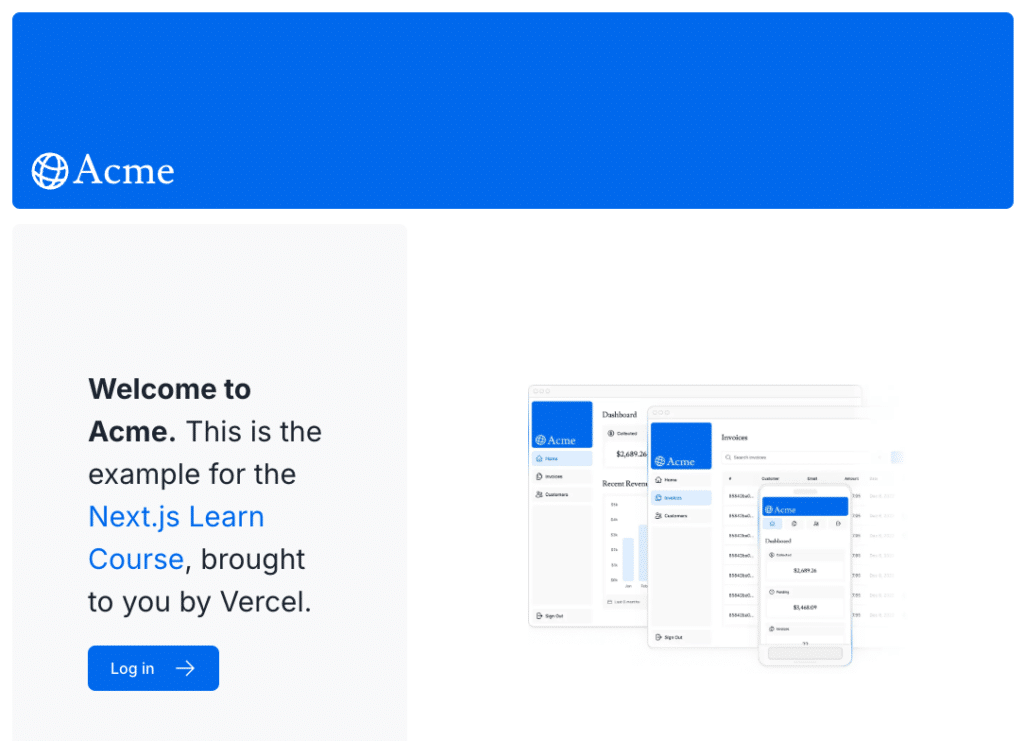
        alt="Screenshots of the dashboard project showing desktop version"
      />
      <Image
        src="/hero-mobile.png"
        width={560}
        height={620}
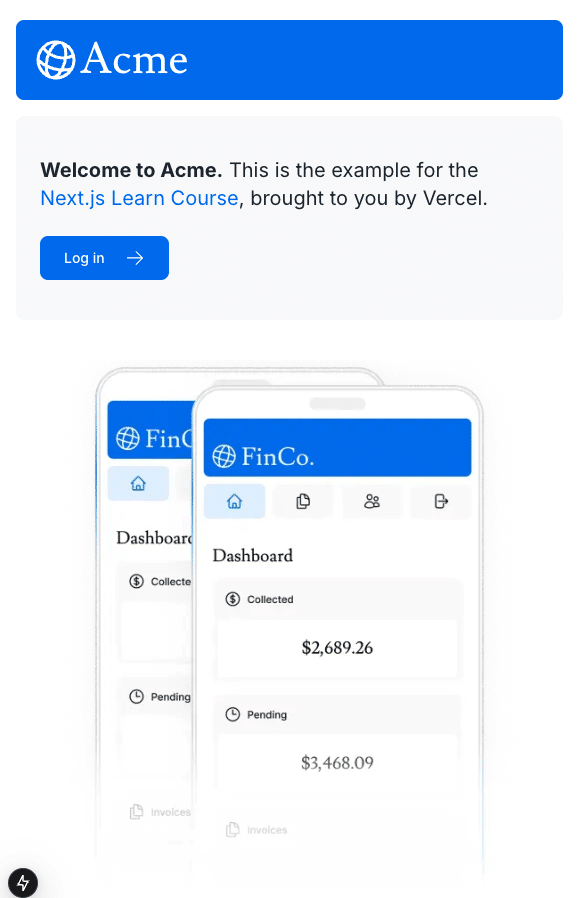
        className="block md:hidden"
        alt="Screenshot of the dashboard project showing mobile version"
      />
tailwindの md:block と md:hidden で表示切り替えNext/Imageの最適化のおかげでpngが自動的に webpになってることも確認